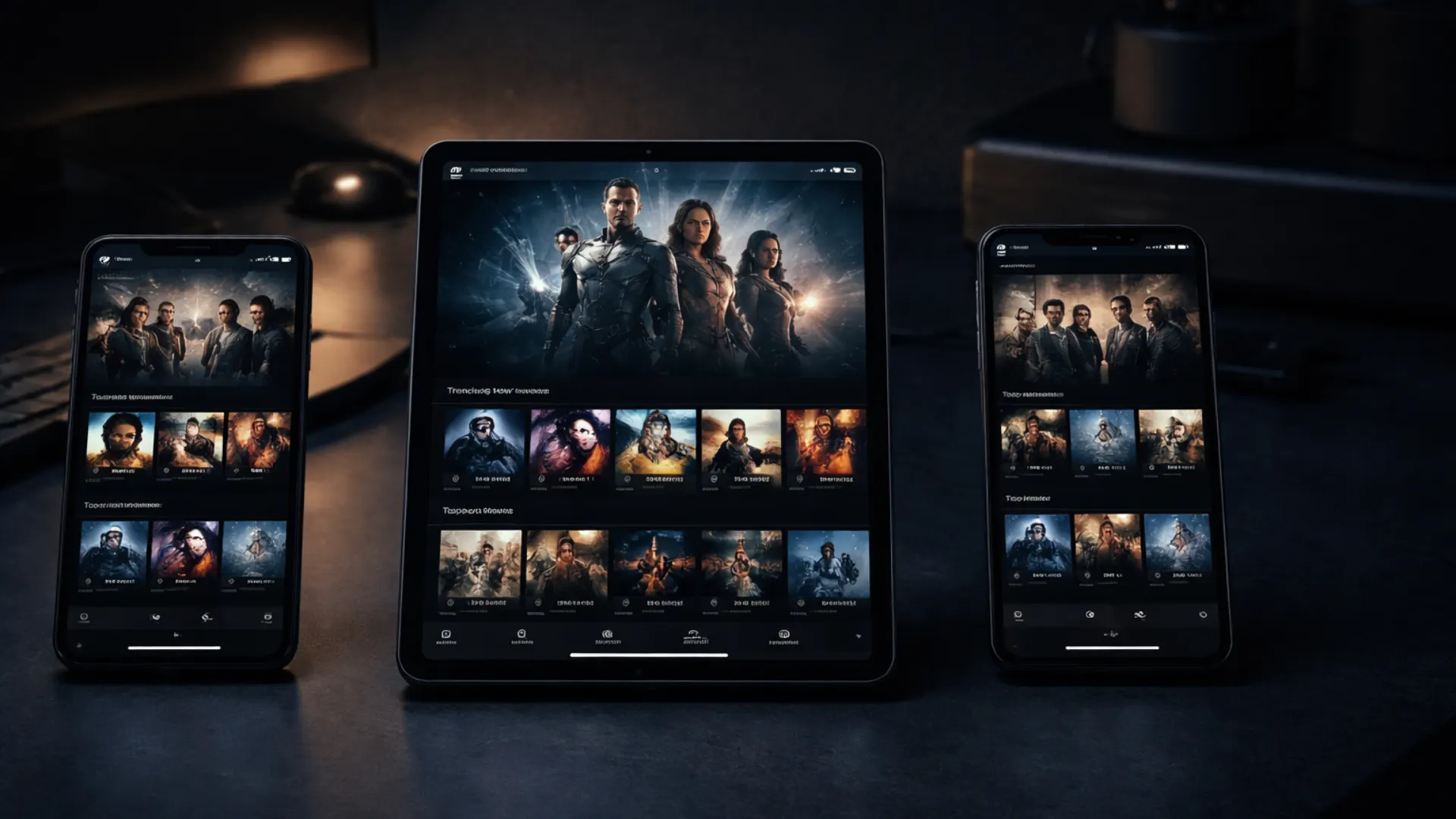
TiviMate vs IPTV Smarters Pro vs Hot IPTV Player — Which Is Best in 2026?
Comparison of TiviMate, IPTV Smarters Pro and Hot IPTV Player in 2026. We test features, compatibility and price to help you choose the right IPTV client.
Just got an IPTV subscription and wondering which app to use? You are not alone. TiviMate, IPTV Smarters Pro and Hot IPTV Player are the three most popular IPTV clients right now — but they differ significantly in how they work, what they offer and which devices they support.
In this guide we compare all three apps in depth so you can make the right choice from the start and get the best possible streaming experience with your IPTV service.
What is an IPTV client?
Before we dive into the comparison it is important to understand what an IPTV client actually is. An IPTV client is the app you use to watch your channels — it receives the stream from your IPTV provider and presents it in a user-friendly interface with channel lists, a TV guide and search functionality.
The client does not determine the quality of the channels or the picture — your IPTV provider does. The client determines how comfortable and smooth the experience is in daily use.
TiviMate — The best IPTV client for Android
TiviMate is without doubt the most popular IPTV client among experienced users. It is built specifically for Android and is known for its sleek, TV-like design and advanced features.
Advantages of TiviMate
TiviMate's strongest point is undoubtedly its interface. It feels like a real TV guide — you can browse channels, see what is on now and later, and navigate with a standard TV remote without any issues. The EPG integration is the best on the market and updates automatically.
The catchup feature is another major advantage. If you miss a programme you can rewind and watch it afterwards, provided your IPTV provider supports it. It is a feature that many competitors do not handle as well.
TiviMate also supports multiple playlists simultaneously which is perfect if you have subscriptions with different providers or want to keep channels separated. You can organise channels into custom groups, mark favourites and hide channels you never watch.
Disadvantages of TiviMate
The major limitation of TiviMate is that it is only available for Android. This means it does not work on iPhone, iPad, Samsung Smart TV (Tizen), LG Smart TV (webOS) or Windows directly. You can use it on Android TV, Amazon Fire Stick and Android phones and tablets — but not on iOS or most Smart TV platforms.
The basic version is free but quite limited. To access catchup, multiple profiles and advanced settings you need the Premium version which costs roughly 5 dollars per year — a very reasonable price for what you get.
TiviMate is right for you if you
- Have an Android TV box, Fire Stick or Android phone
- Want the sleekest and most complete interface
- Watch a lot of live TV and want a great EPG
- Do not use iPhone or Apple TV as your primary device
IPTV Smarters Pro — The most universal client
IPTV Smarters Pro is the app most IPTV providers recommend as standard — and for good reason. It works on almost every platform and is simple to install and configure.
Advantages of IPTV Smarters Pro
Compatibility is IPTV Smarters Pro's greatest strength by far. It is available for Android, iOS, Windows, Smart TV and even certain MAG boxes. This means you can use the same app on your iPhone, your Samsung TV and your Windows computer without any issues.
Installation is extremely simple. You just enter your IPTV provider's login credentials — either via Xtream Codes API or an M3U link — and the app automatically fetches all channels, VOD content and the TV guide. It literally takes under a minute.
The interface is divided into clear sections: Live TV, Movies, Series and Catchup. It is intuitive and easy to navigate even for beginners. You need no technical knowledge to get started.
Disadvantages of IPTV Smarters Pro
Compared to TiviMate the interface is more basic and does not feel as polished. The EPG view works but is not as smooth to navigate, especially on a large screen with a remote.
The app can sometimes feel a bit slow when loading large channel lists and it lacks certain advanced features that TiviMate offers such as detailed channel organisation and multiple profiles.
IPTV Smarters Pro is right for you if you
- Want an app that works on all your devices
- Use iPhone, iPad or Apple TV
- Are a beginner and want easy setup
- Watch IPTV on Samsung or LG Smart TV
Hot IPTV Player — The new challenger
Hot IPTV Player is the newest of the three and has quickly gained a growing user base thanks to its modern interface and broad device compatibility.
Advantages of Hot IPTV Player
Hot IPTV Player has a fresh and modern interface that feels more up to date than IPTV Smarters Pro. The app is fast, responsive and navigation is intuitive.
Compatibility is broad — it works on Android, iOS, Smart TV and Fire Stick. Setup is similar to IPTV Smarters Pro and supports both M3U and Xtream Codes.
A feature where Hot IPTV Player shines is the VOD library. Movies and series are presented in a visually appealing way with covers and descriptions, almost like Netflix.
Disadvantages of Hot IPTV Player
Since the app is relatively new it does not have the same proven stability as TiviMate or IPTV Smarters Pro. There are fewer reviews and less community support which can be an issue if you run into technical questions.
The EPG functionality is not as robust as TiviMate's and catchup support varies depending on device and provider. Additionally the app is not entirely free — you get a 30-day trial but after that it costs roughly €6 per year or €14.99 for a lifetime licence.
Hot IPTV Player is right for you if you
- Want to try something new with a modern interface
- Watch a lot of movies and series (VOD)
- Use Android or iOS as your primary device
Comparison table
| Feature | TiviMate | IPTV Smarters Pro | Hot IPTV Player |
|---|---|---|---|
| Android | Yes | Yes | Yes |
| iOS | No | Yes | Yes |
| Smart TV | No | Yes | Yes |
| Windows | No | Yes | No |
| Fire Stick | Yes | Yes | Yes |
| EPG quality | Excellent | Good | Good |
| Catchup | Yes | Yes | Yes |
| Price | Free / ~€5/year | Free | 30-day trial / ~€6/year or ~€14.99 lifetime |
| Interface | Excellent | Good | Very good |
Which should you choose?
The simple answer is: it depends on which device you primarily use.
If you have an Android TV box or Fire Stick — choose TiviMate. It is the best IPTV experience you can get and the small premium cost is worth every penny.
If you have an iPhone, iPad or Smart TV — choose IPTV Smarters Pro. The universal compatibility makes it the obvious choice when you need an app that works everywhere.
If you want a modern interface and watch a lot of VOD — try Hot IPTV Player as a complement.
Want to test all three apps with SveaStream?
Start a free 24-hour trial — no card details required.
Try it free nowGet started with SveaStream on your favourite app
Regardless of which client you choose SveaStream works perfectly with TiviMate, IPTV Smarters Pro and Hot IPTV Player. When you subscribe to SveaStream you receive login credentials that you simply enter in your chosen app — and in under two minutes you have access to 61,000+ live channels and 180,000+ movies and series in 4K quality.
Our support is available around the clock via WhatsApp and helps you with installation on any device and app you choose. Try it free at sveastream.com.
SveaStream Editorial
Official sourceOfficial content from SveaStream — the leading Nordic IPTV service with 61,000+ channels in HD and 4K.